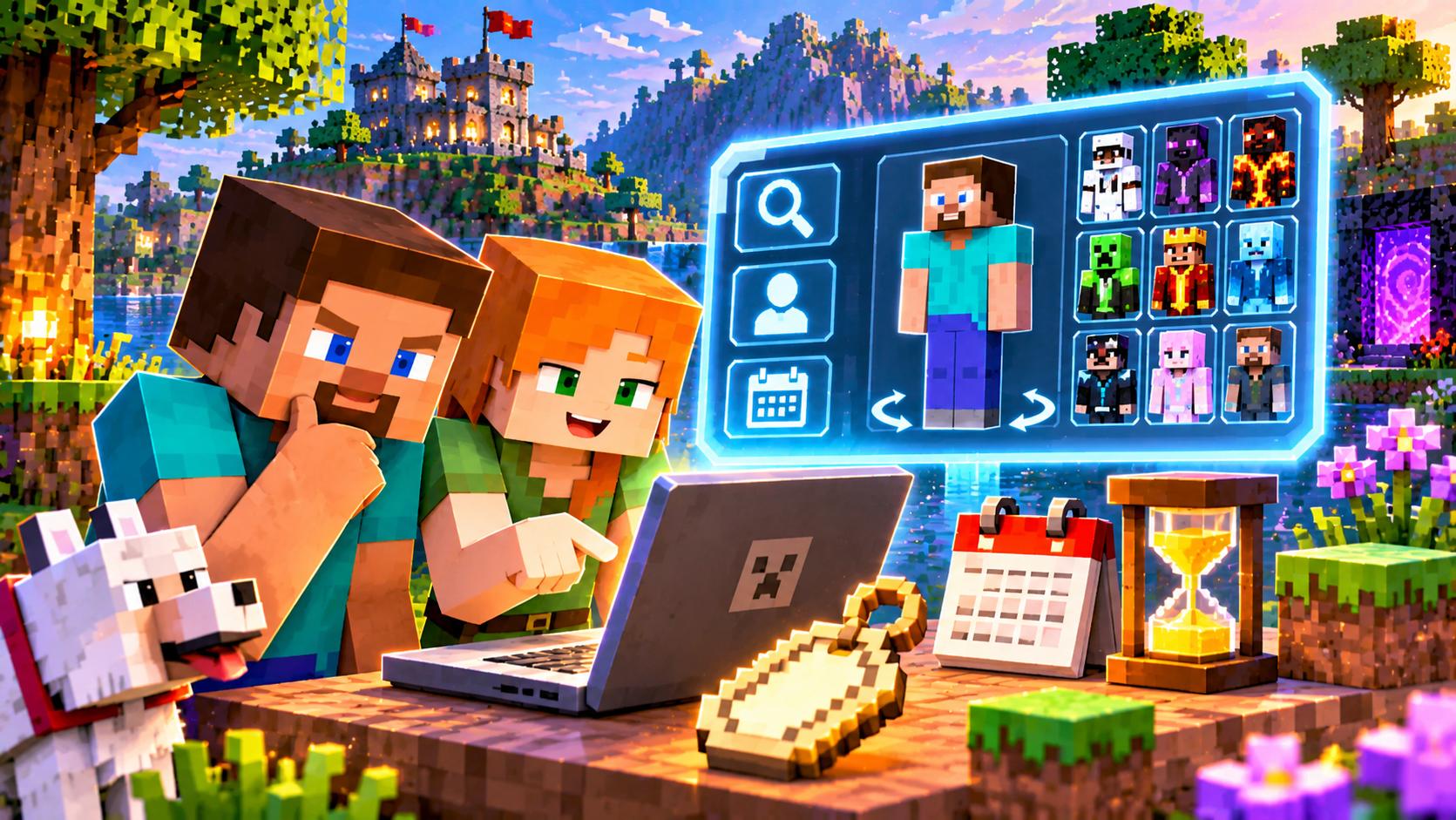
There are always lots of questions around a Minecraft player’s identity: is the nickname you liked free, how old is the account, who wears the default skin and can you look at someone else’s look without joining a server. We collected the answers in one clear guide. No magic — only Mojang’s official rules and common sense. Along the way we’ll break down how the name market works and why short nicknames today go only to the patient.
Is the nickname taken and when will it free up
A name counts as taken while any Java account holds it. Only a name change releases it, and then a lock kicks in. The rule works like this: after a rename the old nickname is reserved for the owner for thirty-seven days, and during all that time only the one who let it go can take it back. The changes themselves are available once every thirty days. Hence three possible answers to the question about a free name: free right now, taken, or locked and about to free up. It’s exactly the third group that hunters of beautiful short nicknames track.
The check itself is simple: type the name into player search — if the profile was found, the nickname is taken. If the name appeared in someone’s rename history and is marked free — you can take it, but don’t delay: somebody will beat you to it. Restrictions by formal signs: three to sixteen characters, only letters, digits and underscore, no spaces or dots. Case is preserved but not distinguished: Notch and notch are one name.
How old the account is
Account age is the most closed number. Neither the launcher nor the public profile shows it, and no third-party “age checker” will either. The exact creation date exists to the second, but Mojang gives it only to the owner. The method is this: log in to the official site, open your profile, press the key for viewing network traffic and find the rename request — the response will contain a field with the creation date. For other people’s accounts only indirect estimation by name history, capes and skins remains: it gives only the lower bound, but without deception.
Default skins and someone else’s look
There are nine classic starter looks: Steve, Alex, Ari, Efe, Kai, Makena, Noor, Sunny and Zuri, and each comes in a wide and a slim variant. Steve still goes furthest — he was the default from the earliest days of the game. At the same time every default beats the most popular custom skin by the number of wearers. You can look at someone else’s look and its whole history, and also get a direct link to the texture, without joining a server — through open skin databases. Read more about appearance and customization in our ratings.
- Don’t buy accounts for the name — it’s a rules violation and a risk of losing access.
- Watch the locked names: the chance to catch a nickname appears exactly a week after the change.
- Keep the link to a Microsoft account and two-factor protection — fighting a nickname back is easier than restoring it.
If you want others to see your look, nothing special is needed: one Microsoft account and an uploaded PNG skin is enough. You can’t hide the history from outsiders completely — it’s public by its nature. Planning to change your style often? Build the habit of keeping all your textures in one folder, so any look can be restored in a minute.