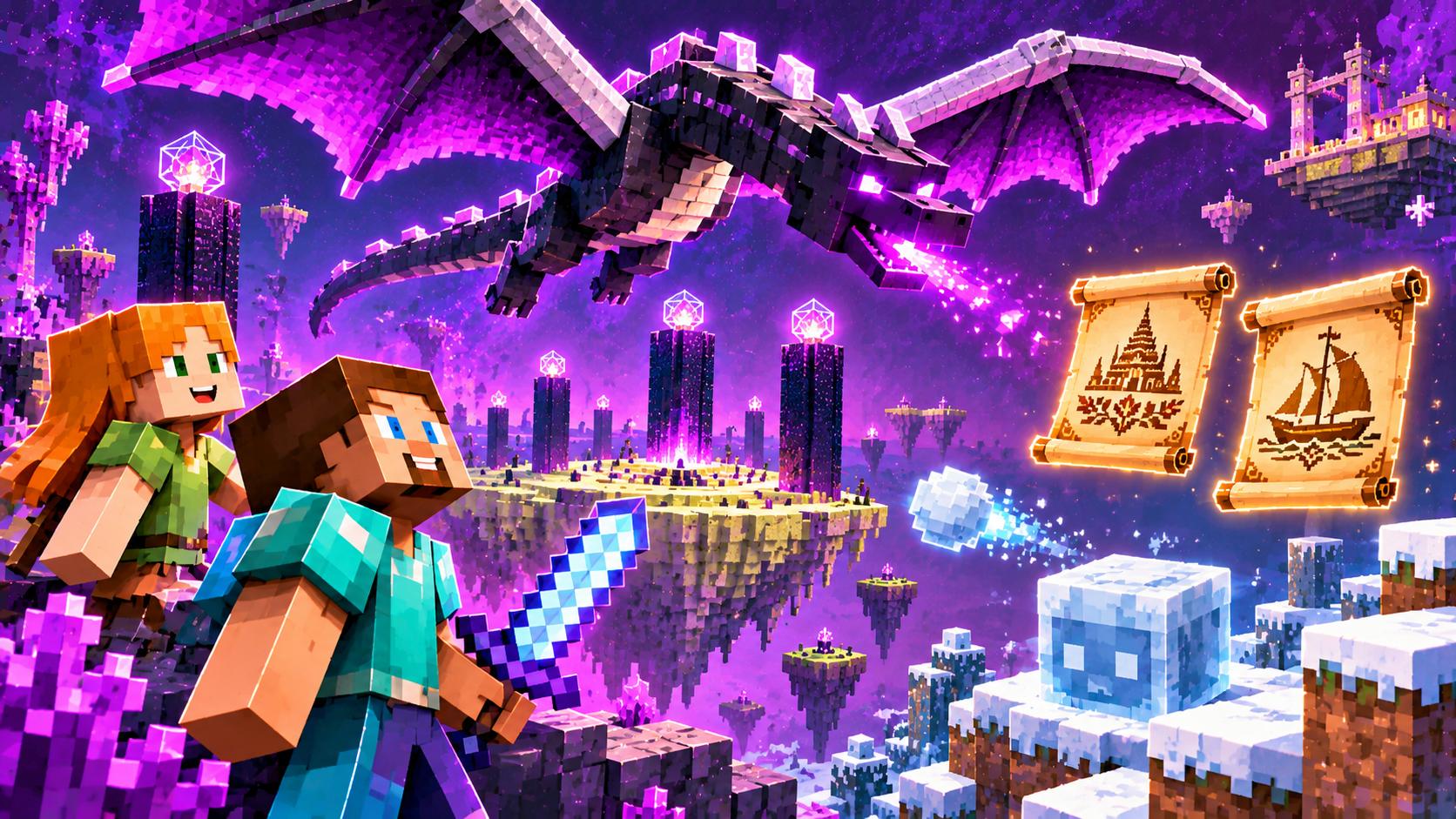
A new snapshot of the winter 26.4 line is out, and it has a real hero of the week: the Ender Dragon. The developers honestly admitted that the dragon “forgot a couple of things about flying” — snapshot 8 fixed its combat behavior, which used to make it get stuck and fly differently from the design. Plus, two new languages were added to the game, and the icy mechanics we’ve been following all October got balanced. We break it all down in plain words.
The dragon flies properly again
Anyone who fought the Ender Dragon in test builds noticed something odd: at certain moments it simply stopped moving properly — froze, didn’t line up attacks, broke the usual rhythm of the fight. Snapshot 8 fixed several of these flight-behavior bugs. For the game this matters more than it sounds: the dragon fight is survival’s final exam, and if the boss behaves broken, the whole adventure feels unfinished. Now the dragon circles the island the way it should — and the winter release can ship with a clean conscience.
Two new languages
The game added support for two new languages: Javanese and Chavacano (Zamboanga). This isn’t about translating the interface for us — it’s about Minecraft continuing to become a game that’s comfortable for people all over the world, including those whose native language looks nothing like the European ones we’re used to. Every such release means millions of players seeing the game “in their own” language for the first time.
Ice balance: what got tuned
The icy line of the winter drop got tidier. Snow and snow layers now sit in the creative inventory next to the snow brick set — they used to be impossible to find, which annoyed builders. All undead mobs got frost immunity: zombies no longer freeze on ice, but sneaky “freeze the crowd” traps are no longer possible either. The ice shard’s damage was reduced — you can no longer burn down whole fights with one button. And the cold sulfur cube stopped floating above the ground: now it behaves like the other cubes of its type. Every point shows the same thought: the mechanics are being brought to uniform, predictable behavior before release.
Technical details for the curious
Inside the snapshot, the datapack and resource pack versions updated (127.0 and 103.0), the way terrain vertex data is stored changed — that’s about how the game assembles the world’s picture more efficiently — and the entity position sync packet in the network protocol was improved. Players don’t see this directly, but it’s exactly these changes that make multiplayer smoother. We write about mods and packs for new versions in the mods section, and if you want to understand what the winter drop consists of at all — we have a big Minecraft section and a roadmap breakdown in the snapshot 7 article.
Snapshot 8’s main message is simple: no new features are being added — they’re being polished. This is what a build looks like one step before release: the build content is frozen, and the developers fix whatever keeps the game from feeling ready. If the winter drop ships this year as promised, snapshot 8 will be that last cleaning before the holiday.
- Snapshots are enabled in the launcher: pick the version with the word “snapshot” — the main game stays safe.
- Test on a separate world: a world opened in a snapshot may not open in an older version.
- Datapacks and resource packs from older versions may not work — wait for the authors’ updates.
- Found a bug in the dragon fight? Send a report right from the launcher — it helps the release.
- Everything in the winter drop and how to test it — in our snapshot 7 breakdown.