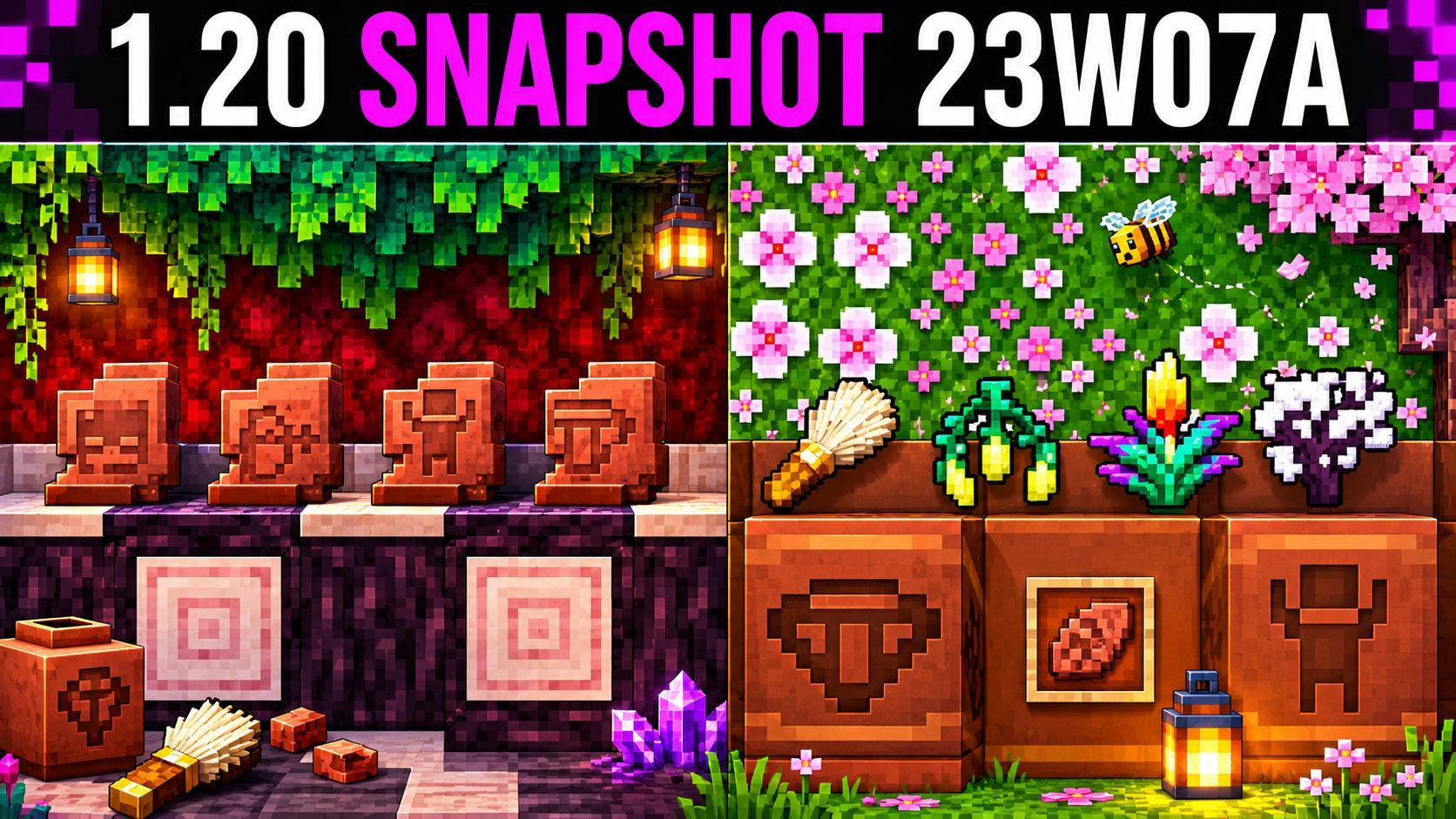
Sometimes something new appears in Minecraft long before the big update — and players call it the word “snapshot”. It sounds technical, but the meaning is very simple and even cozy: it’s a draft of the future handed out to everyone to play, so that bugs are found together and it’s decided what stays. We break down in human terms what snapshots are, why they’re needed and whether you can play them without the fear of losing anything.
What a snapshot is in plain words
A snapshot is a trial version of the game into which developers put new ideas: blocks, mobs, mechanics. It’s not the final update but a kind of rehearsal. Players download it, play and report what broke or what they liked. That way future changes are tested not only in the studio but in the hands of thousands of players. If some idea doesn’t land, it’s calmly refined or removed before release.
The word itself translates as “instant picture”: the developers take a picture of the game’s state today and add something new to it. That’s why snapshots come out often and in small pieces, while the big update is assembled from the good chunks. We write in detail about how versions are structured and how they differ in the Minecraft section.
Why test in advance instead of releasing right away
Imagine you baked a new cake and didn’t treat anyone before the party. It would be sad if it turned out bad. Snapshots work the same: better to show the new early and hear an honest reaction than to fix later what everyone disliked. Players find bugs, suggest what’s inconvenient and offer cool additions. It becomes living co-authorship, not a studio monologue.
Another important reason is technical. New mechanics can conflict with old ones, break maps or disturb mods. Testing on many players and different computers helps catch those conflicts before the update touches everyone. For you it means: the final version is usually more stable and pleasant precisely because it was worn in on snapshots.
How a snapshot differs from a big update
A snapshot is a small and frequent step; an update — a big and rare one. Snapshots fly one after another during preparation, and each brings a little that’s new. The update gathers everything good into one stable release that everyone installs and on which servers and mods run. Simply put: a snapshot is “trying”, an update is “approved, forever”.
Can you play a snapshot without risk
You can, with one habit: make copies of your worlds. A snapshot is experimental territory; sometimes something goes wrong there, and a map opened in a trial version may not open in the regular one without adventures. A backup solves everything: something went wrong — you return to the saved world and the stable version. Modern launchers make a copy almost by themselves, but the “backup first” habit saves nerves. If you just want to look at the new stuff — create a separate test world and play there.
In the launcher there’s usually a branch switch: stable version or trial snapshots. Set the trial one — play; want to go back — choose the regular version and launch your main world. The main rule: don’t mix the trial world and the main one, and before switching make a copy of important saves. Then experiments are completely safe.
- Make a separate world, so you don’t risk the main one.
- Copy your important saves in advance.
- Don’t rush to invite friends to the trial version — it can be raw.
- Got a bug? Roll back and report it — it’s useful.
Snapshots aren’t scary but interesting: join the game’s life from the inside, see the new before others and even influence what the update becomes. Try in a test world, take care of copies — and the regular stable version will greet you already as a beautiful, polished finale.