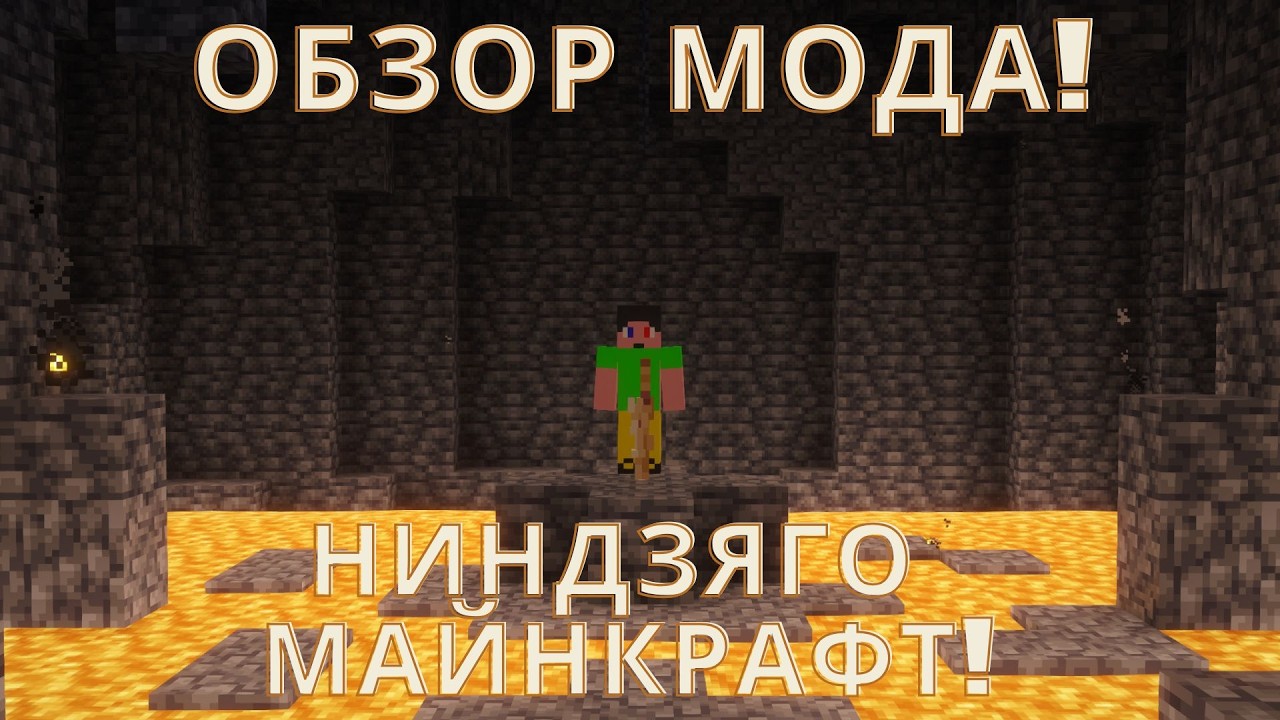
The Ninjago mod, which Max from the Maxx Storm channel breaks down in full, adds almost everything from the show’s universe into Minecraft: all the bosses, almost all the weapons and a few new ones, and structures from every timeline. The review is honestly called “worth downloading?”, and at the end the author announces a free server based on the Oni and Dragon era. The review is addictive thanks to its scale: every structure is a separate tour of the lore, and there are elements here for every taste. Below we break down by parts: what exactly is inside the mod, how Spinjitzu and the abilities work, what’s promised on the server and who this set suits.
What’s inside: weapons, structures, bosses
There are noticeably more structures in the mod than in an average themed pack. There’s the Spinjitzu monastery with obstacle courses, beds and Master Wu, the fire temple from season one, the Letudjit monastery where you’d better not touch the painting, and a hall with wolf masks for the quest about the Wolf mask. Weapons are sorted by damage and speed: the sai with three damage the author sets aside right away, the kusarigama gives five, Lloyd’s blade — six with a very fast reload, the spear — nine but with a long cooldown. There’s a sword of fire, a hammer and nunchucks, and any item can be worn nicely on your back. Story items are scattered around too: a golden katana, tea, scrolls with quests like “run until sunrise”.
Elements and abilities: from smoke to lightning
There are almost all the elemental abilities of the universe here: smoke, form, darkness, destruction, pressure, shockwave, brute force, plants, sound, gravity, light, metal, speed, life, fire, earth, lightning, balance — there’s even time and consciousness, and these are two different types of time. The author doesn’t advise the custom element, and asks you not to take the element of surprise until you’ve watched the Ninjago movie. Max’s favorite element is lightning: the mod has double lightning, yellow lightning with supercharge and flight on lightning, on which you can literally fly into the sunset and level up in peace. A separate mechanic is the blade of time: from time to time time stops and a blade drops, with which you can freeze any mob. The ability animations are what the author praises separately.
The free server: the Oni and Dragon era
In the short video about the server there’s an intro in the show’s spirit: long before time got its name, the Oni and Dragon era reigned on Earth. Four Oni masks and four artifacts for dragons are fully ready — all that’s left is to choose a hosting that will be free for the author. Ideas are accepted in the comments, and the best one will bring big perks on the Mindjago server. Joining is simple: follow the link in the description to the Telegram group and ask when the project opens — they give the approximate start time there, so you can get on the server from the very opening.
So is it worth downloading
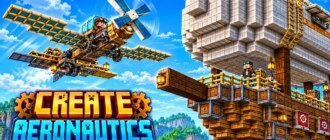
The author’s verdict sounds unambiguous: it’s a very good mod, and for those who watched Ninjago it’s literally a must. The minuses are named honestly too: some weapons have no animations, they just look nice, and the blade of time idea is done a bit roughly. But the structures are worked out to a shine, and flight on lightning and stopping time give those very feelings from the show. If you decide to download — do it wisely: how to install the mod from scratch is shown in the guide about installation and launchers, and the author’s other big mod experiments — in the review of the flying machines mod. Those who already played on the channel’s servers can compare impressions on the page of the Maxx Storm channel.
The order is this: first install the launcher and the needed game version — the detailed path is laid out in a separate installation guide. Then download the mod itself and move it to the mods folder, after which launch it through the launcher’s profile, not the regular icon. To get on the Mindjago server, open the video description, go to the Telegram group via the link and ask about the opening date of season one. The author promises to pick a free hosting, so taking part costs nothing. And the nicest part: ideas for the server are accepted in the comments — a good idea gets perks on the project.