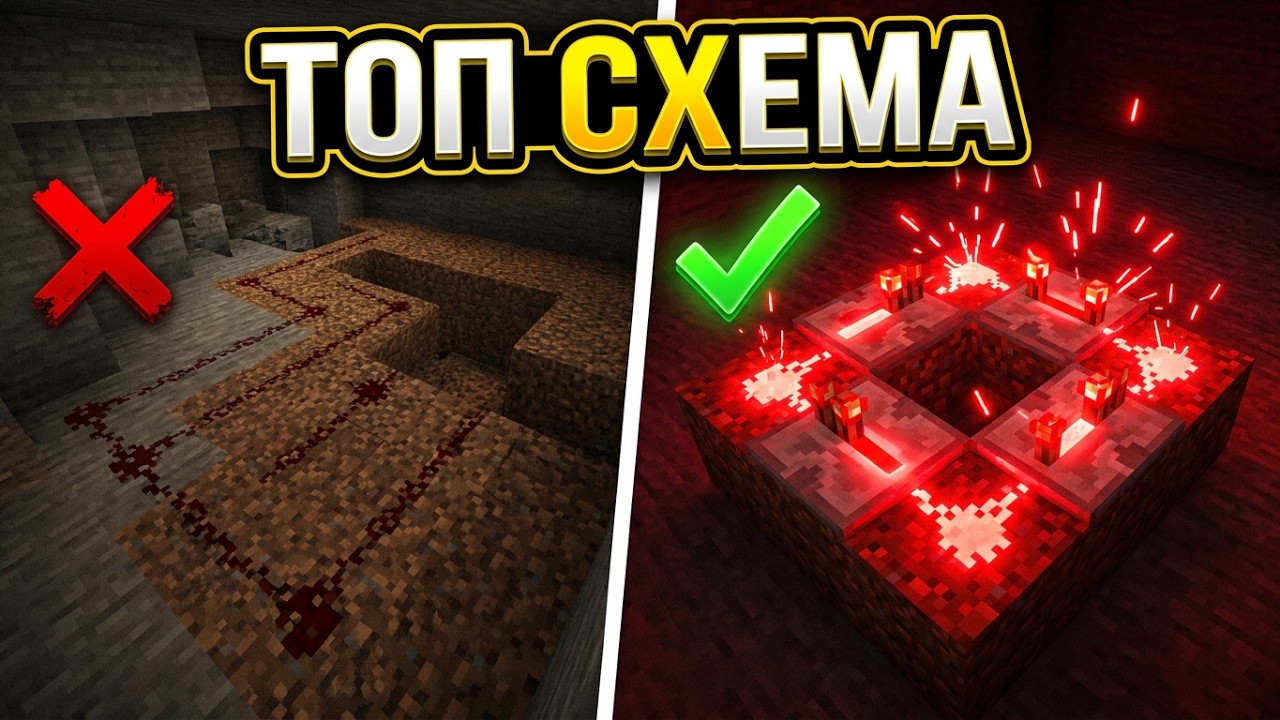
Redstone is Minecraft’s “electricity”, and a beginner fears it in vain: almost all useful circuits are assembled from a few parts in five minutes. Below — a calm breakdown of the base mechanisms: from the simplest blinker to sensors that can work by themselves, without you. The examples come from real server practice, where automation keeps ore regeneration and factory mechanisms running.
The two-repeater blinker: starting from zero
The very first mechanism — a redstone blinker. It repeats the signal in a circle infinitely, and it’s the heart of any automatic cyclic circuit. The minimal variant — two repeaters facing each other and four redstones between them. One task: quickly place and remove a redstone torch, to close and open the circuit — and the cycle goes by itself. Then the repeater’s delay adjustment works: set the minimum — you get a fast blinker for frequent pulses; increase it — a slower, longer pulse. The resource cost of such a circuit is minimal, which is why it’s considered “for beginners”.
The comparator timer: when you need a long cycle
A blinker is a pulse, but sometimes you need exactly a timer: count time and fire once. For that take two comparators placed so that their “face” (the bright input with two pixels) looks toward hoppers, between them put an ordinary block, redstone, a sticky piston and a block of redstone. It works like a counter: items are loaded into the hopper, and, say, every 16 blocks the signal overflows and the mechanism switches. Loading five stacks, you get a noticeably long countdown. A simple thought worth understanding: items in hoppers here play the role of a time “battery” — the more cargo, the longer the delay.
Why you need it on a server: ore regeneration behind the scenes
The classic server question — how ore reappears in the mine and raw material at the factory. The answer hides behind the wall: there stands that very blinker, and the “ore” blocks move back and forth between themselves by pistons on a signal. For rare resources like diamonds, a reserve of five stacks is planned; for gold — its own separate timer, because the mine branch is slower. A separate lifehack from practice: command blocks for ore return use not the setblock command but clone. The difference is visible to the eye: setblock places the object in a “lying” position out of the box, while clone copies it already in the correct form, and the barrel or mechanism looks neat.
Pistons: regular vs sticky
The difference is short and important. A regular piston pushes the block forward on a signal and leaves it, even when the signal is gone. A sticky piston also pushes, but when switched off pulls the block back with itself. Precisely because of this the sticky version is needed in all return circuits — the same timer and the movement of ore blocks run on sticky ones, while a regular piston would leave garbage at the end of the cycle.
Hopper, dispenser and dropper: don’t mix them up
The hopper sucks in items and moves them along — the base part of any sorting. But two similar blocks are often swapped for nothing. The dropper in any case simply spits the item at your feet, no matter what’s inside. The dispenser acts differently and depends on the content: a golden apple or turf it will place as an item, but arrows it will fire as a projectile, a firework it will launch, and a potion it will throw. It’s on dispensers that traps and “crossbow” mechanisms are built — it’s an actuator block, not a trash bin.
The observer and the sculk sensor: reacting to the world
The observer watches not the block in front of itself but the change of state of what it looks at. Placed a block — it emitted a pulse; opened a chest or barrel — the texture changed, and the observer noticed it. That’s how “someone entered the vault” or “something was put in” circuits are made. The sculk sensor goes further and reacts to sound: a step, placing a block, movement — all give a redstone signal, and sneaking on shift isn’t noise to it. A calibrated sculk sensor is made from a regular sculk sensor and amethyst and can filter: surrounded by blocks, it listens only for specific sounds. Convenient for precise traps and “doorbells” at home.
The daylight sensor: automation on a schedule
The most understandable external trigger — the daylight sensor. By day it emits the signal constantly; a click on it switches the mode to night, and then the pulse appears only in the dark time. The yellow glow shows the mode changed. It’s a ready alarm clock for farms: lighting on a day timer, automatic harvest at night, turning mechanisms on while players sleep.
The takeaway: redstone starts with four redstones and two repeaters, not with complex blueprints. Understood the blinker and the timer — you learned the cycle; figured out the dispenser, the observer and the sensor — you learned to react to the world. After that server automation is no longer magic but an assembly of these same parts. If you run your own world and want to install mods and mechanisms without lags, check our servers section — it’s about the cores and settings on which all this runs. The basic words of the block-and-version world are covered in the article “Core, versions and dependencies, sorted out”.
The blinker won’t start? Check that the circuit is really closed and that you did place and remove the torch — initialization happens exactly at the moment of breaking the cycle. The delay grows with a click on the repeater: three positions — three beats of delay.
The comparator “doesn’t count”? Make sure the bright input looks toward the hoppers and the cargo really flows in them: the timer depends on the hopper’s speed, not on the number of wall blocks.
The dispenser “doesn’t shoot”? It needs ammo and a line of fire: arrows fly only if there’s no wall in front of the block, and on ordinary items it merely drops them, like the dropper.