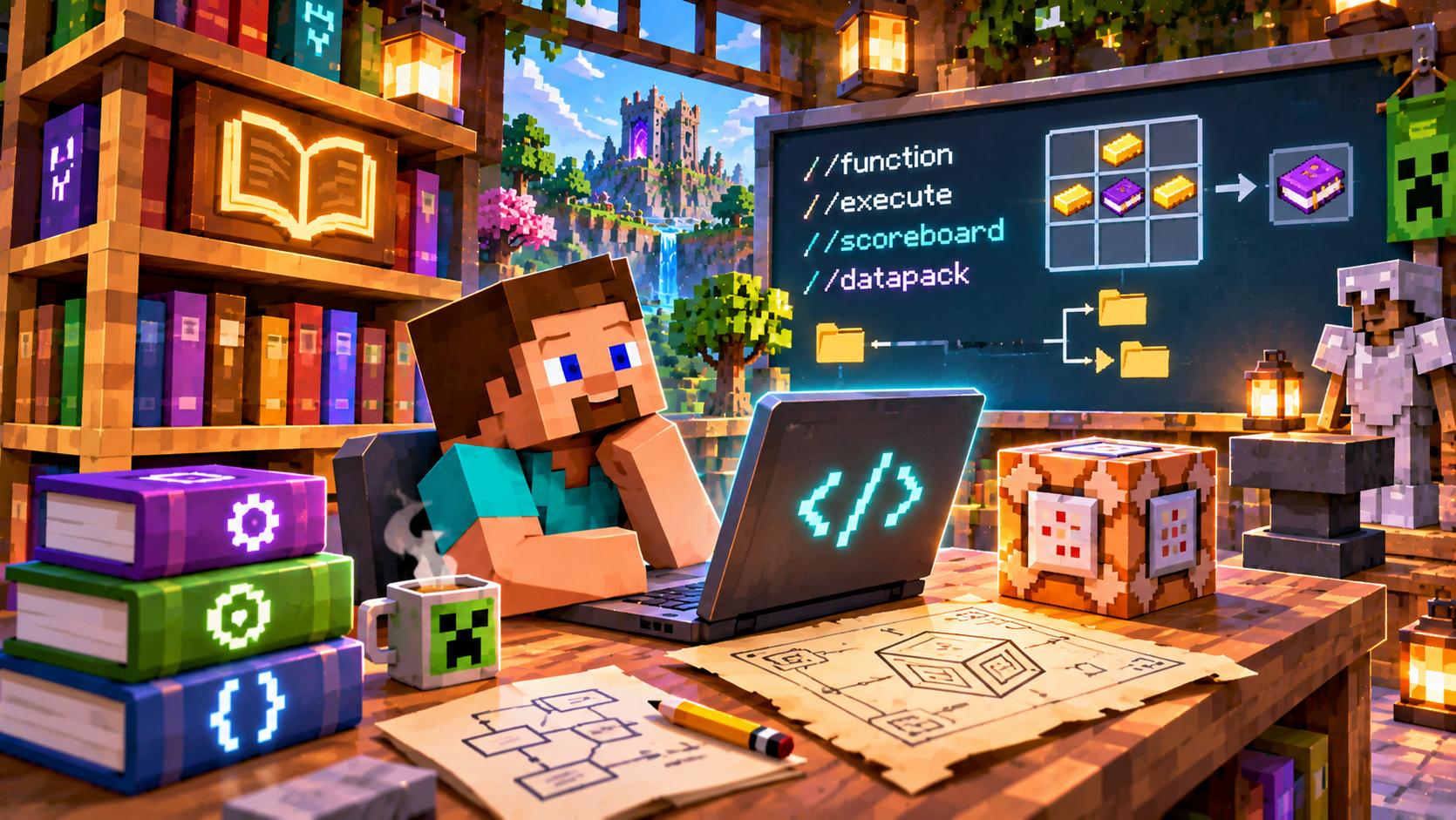
A datapack is the softest entry into creating your own content for Minecraft: it changes the game without a single line of Java and installs just by being dropped into a world folder. But in practice writing datapacks quickly turns into a fight with folders, JSON files and repeated code. This is exactly where libraries like Bookshelf help, taking the routine on themselves. We break down why datapacks are hard and how to make life easier for yourself.
What a datapack is and why it’s hard
A datapack is a set of data files: functions, loot tables, recipes, tags, dimensions. All of this is declarative constructs that the game reads without compilation. The plus is that an edit can be applied instantly. The minus is the volume: to make a non-obvious mechanic you have to spawn dozens of identical files and keep an eye on correct paths and namespaces. One error in a nested path — and the whole pack silently doesn’t load. We break down the basics of datapacks in our games section.
How Bookshelf helps
A library datapack, for example Bookshelf, is a set of ready-made reusable functions. Instead of writing typical check, loop or condition code from scratch, you call someone else’s debugged function and pass parameters. It’s like ordinary libraries in programming, only for the datapack world. The result: your pack becomes shorter, reads easier and breaks less often. Similar tools for content creators are gathered in the mods section.
Where to start with your first datapack
Don’t try to make a big mechanic right away. Start small: a wrapper pack with pack.mcmeta, one function and a command that runs it. Learn to change recipes or add an item — that’s already a visible result. Then connect a library and stop reinventing duplicates. It’s useful to keep an editor with highlighting nearby and not to forget to copy the world before an experiment.
Datapack or mod: what to choose
A frequent newcomer question is how a datapack differs from a mod. A datapack lives inside the world, edits only data and settings and doesn’t touch the game’s code, so it installs by simply dragging a folder in and doesn’t require a loader. A mod is already an intervention in the mechanic itself through a loader: it’s more powerful but heavier to install and strongly version-dependent. For your own server or a vanilla Realm a datapack is almost always more practical: it doesn’t break compatibility and is easy to switch off. And when the task requires a new block with its own logic, then we look toward mods and builds — the subject of our mods section. In the end a datapack stays a quick way to test ideas without waiting for a game update: start with one recipe, and it’ll get noticeably easier from there.
- A typo in a path or namespace — the pack doesn’t load without a clear error.
- Trying to write everything yourself instead of using the library’s ready functions.
- No backup of the world before testing a new mechanic.
Keep a clean structure: a separate folder for functions, a separate one for recipe and tag data, a service description file at the root. Keep the namespace name short and consistent across all files. If you’re using a library, make sure it’s loaded into the world before your own functions. Then datapack development stops being a fight with folders and becomes a normal constructor.