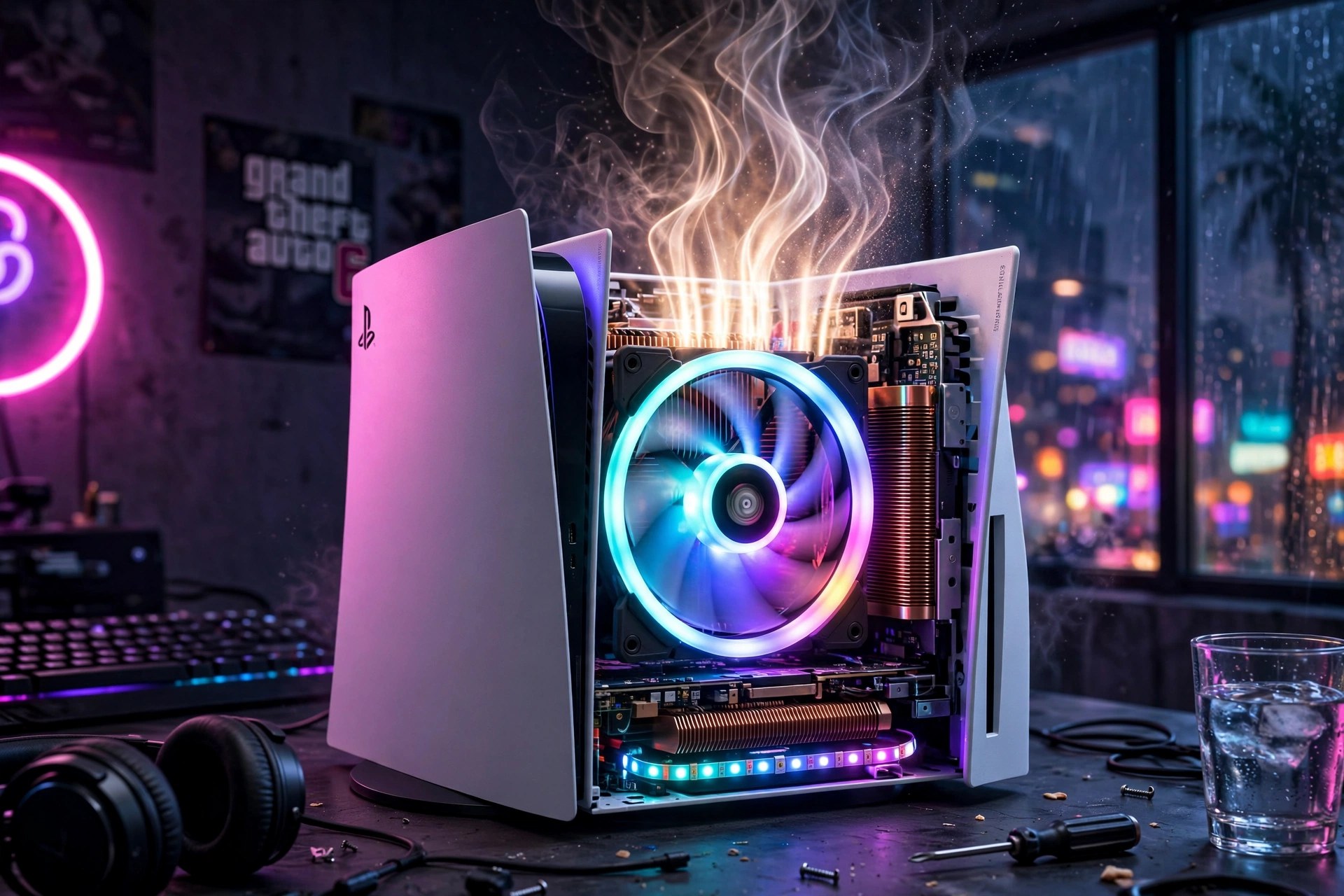
GTA 6 pushes console hardware extremely hard — and the PS5 feels it. Players report overheating: the console shows a “too hot” warning, the fan starts making loud noise, and in some cases the PS5 suddenly switches off right during a game. Let’s figure out what’s happening, whether it’s actually dangerous, and how to help the console with simple and safe steps — based on player reports and press coverage.
What’s happening
A PS5, like any computer, heats up while working — that’s normal. The question is how strongly. Overheating is when the console’s inner parts become too hot and it struggles to work. Players complain about three things. The first is the “too hot” warning: the console itself reports that it’s too hot. The second is loud fan noise. The fan is a device inside the console that moves air and cools it: the heavier the load, the faster it spins and the louder it hums. The third is sudden shutdowns: the PS5 turns off by itself, without the player’s command.
The topic is discussed especially actively in the PS5 player-help section on Reddit — it’s called r/PS5HelpSupport. There you’ll find cases where brand-new consoles switch off, and it happens exactly when launching GTA 6. In the comments, players share workarounds: some use external airflow, that is, an extra stream of air from outside, others change the console’s orientation.
Why GTA 6 loads the console so much
The reason is that the game is very demanding on hardware. GTA 6 shows a huge world with lots of detail, and the console runs almost at the limit of its capabilities — that’s why it both makes noise and heats up. Fan noise here is not a breakdown but a cooling attempt: that’s how the console fights the load. It’s no accident the game runs on consoles at 30 FPS. FPS means “frames per second”: how many separate pictures the game shows in one second. The more frames, the smoother the picture — but also the heavier the load. We covered why GTA 6 runs at 30 FPS on all consoles and what it means for players in a separate piece.
Is it dangerous
Most often — no. As players report, crashes to the dashboard, that is, the console’s home screen, happen noticeably more often than real hardware failures: the game closes, but the console keeps working. A sudden shutdown during overheating usually works as protection: the console turns off so the hardware doesn’t suffer from the heat. But you shouldn’t count on that protection all the time — it’s better to help the console cool down. There is a reason to stay alert, though: according to Notebookcheck, one streamer — a person who shows the game live — had their PS5 “die” right in the middle of a GTA 6 stream, and at that moment journalists measured an abnormally high power draw. It’s a single case, but it shows the loads are really big. So don’t be scared by every noise: if the fan is humming loudly, it’s simply doing its job.
What to do: safe steps
The main rule: there’s no need to disassemble the console or climb inside. All the useful steps are done from the outside, and the PS5’s insides are best left to specialists. These steps require buying nothing or unscrewing anything — just a bit of attention and, in places, help from adults. Here’s what players and press reports advise:
- Leave a gap for ventilation around the console: don’t put the PS5 flush against a wall, inside a closed cabinet or on soft surfaces. The console needs free air from all sides.
- Remove dust from the console’s grilles — carefully and from the outside only. Dust keeps air from passing freely, and the console heats up more.
- Check the orientation. The PS5 can stand horizontally or vertically, but vertical placement — only with the stand, so the console stands stable and level.
- Install the latest firmware. Firmware is a system update of the console itself: it also fixes errors and helps the console work better.
- Try external airflow, like the players from r/PS5HelpSupport: an extra stream of air from outside helps the console cool down.
- If the console is new and still switches off when launching GTA 6, contact PlayStation support — for new consoles that’s the most correct path. Ask adults to help with the request.
What you definitely shouldn’t do
- Don’t cover the console or put it away in a closed cabinet — that way it has nothing to “breathe” with.
- Don’t put the PS5 on a carpet, bed or sofa: a soft surface blocks ventilation.
- Don’t disassemble the console — it’s unsafe, and you won’t be able to deal with a breakdown on your own.
- If the console has already warned about heat, let it rest and cool down instead of playing on without a break.
Where the patch fits in
The developers are already reacting to launch problems: the first patch, 01.002.002, fixed several causes of crashes — we have a detailed breakdown of what patch 01.002.002 fixed. Players keep reporting overheating, so it’s definitely worth watching for new updates. And remember: if the game crashed to the home screen, it’s unpleasant, but it almost never means the console is broken. More game news — in our GTA section.
The developers are already reacting to the launch problems: the first patch 01.002.002 fixed several crash causes — we have a detailed breakdown of what patch 01.002.002 fixed. Players keep reporting overheating, so it is definitely worth watching for new updates. And remember: if the game crashes to the home screen, it is unpleasant, but it almost never means the console is broken. More news about the game — in our GTA section.
Save this list and go through it in order. Step one: check where the console stands — it needs a free ventilation gap on all sides, no cabinet, no wall flush against it and no soft surfaces like a sofa or carpet. Step two: inspect the grilles and remove dust from the outside, carefully and without disassembly. Step three: check the orientation — horizontal or vertical, but with the stand, stable and level. Step four: install the latest PS5 firmware — a system update fixes the console’s own errors. Step five: try external airflow — an extra stream of air from outside, like the players on Reddit do. Step six: watch the warnings. If the “too hot” warning appears again or a new console switches off when launching GTA 6, contact PlayStation support — ask adults to help. And remember: crashes to the dashboard happen more often than real hardware failures, so there’s no need to panic.