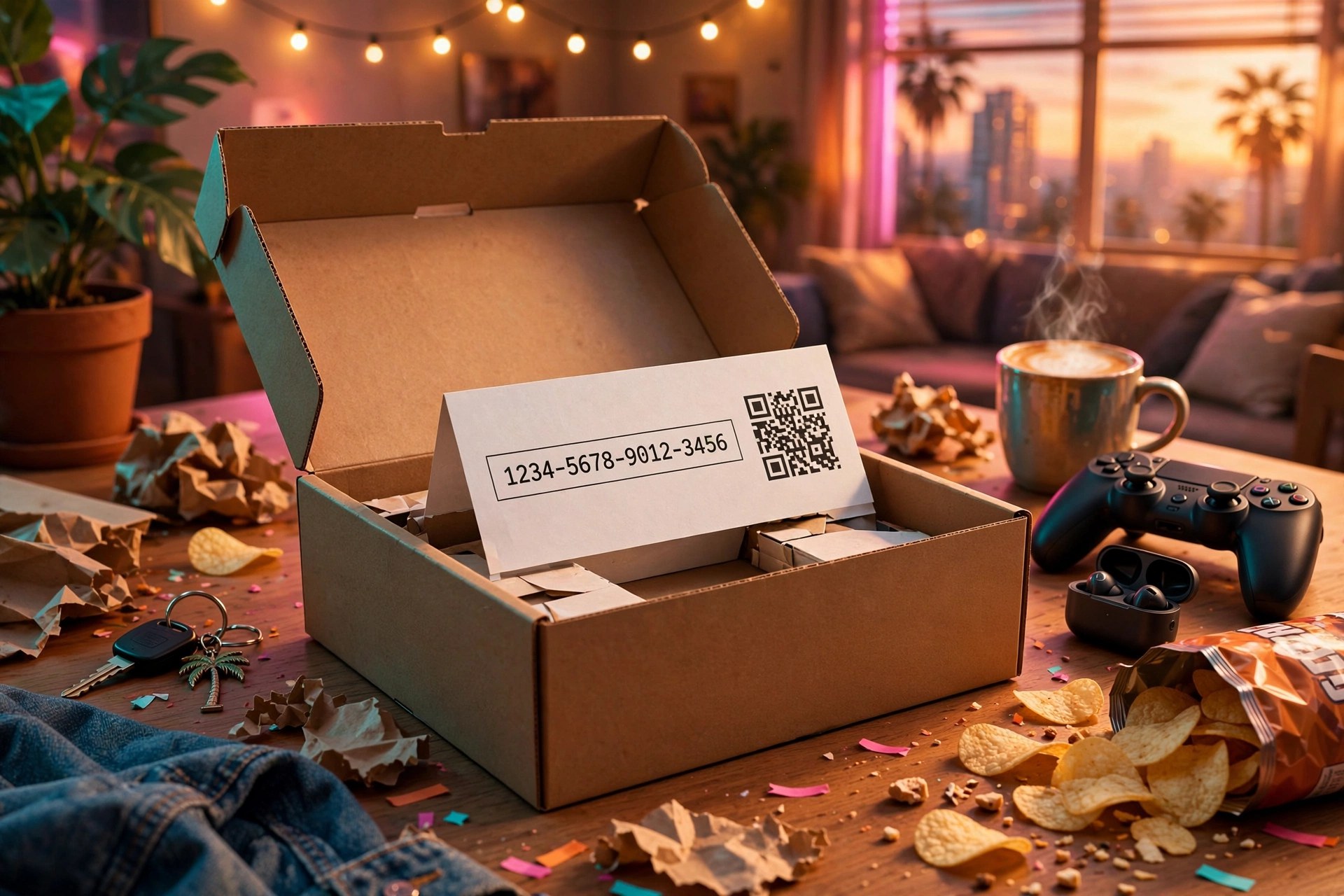
Picture this: a person buys a GTA 6 box at a store, brings it home, opens it — and there’s no disc inside. Just an insert with a download code and a poster. That’s exactly what the “physical” copy of the game on PS5 and Xbox Series X|S looks like: there is a box, but no disc in it. It’s not a trick or a fake — it’s an official decision. We break down what’s actually in the box, why it was made this way, how to activate the code, and why some buyers ended up with completely empty boxes.
What’s actually in the box
This approach is called “code-in-box”. Instead of a disc, the box holds a download code: a set of characters the game is downloaded from the network with, like a digital version, only in a box. There’s no disc in the set at all — neither for PS5 nor for Xbox. Inside there’s an insert reading “Game Download Code Instructions”, which translates as “instructions for the game download code”. The insert is a sheet of paper with the code and hints printed on it, so it must not be thrown away. According to BGR and MakeTechEasier, such boxes are produced for PS5 and Xbox Series X|S. The version inside is Standard Edition only, that is, the base edition of the game without extra bundles. There’s also a poster in the box — a big sheet with game art you can hang on the wall — but there’s no physical map in the set. So the box is, essentially, a pretty package for a digital version: the whole game lives in the code on the insert.
Why it was done this way
The reasons are mostly practical. The first is size: GTA 6 takes up a huge amount of storage, and the download takes time either way. A box with a code changes nothing here: the game has to be downloaded anyway, which needs internet and space on the console — the game’s big size doesn’t go anywhere. The second is economics: a box with a code is cheaper to produce than a box with a disc. So the “physical” copy is essentially digital — just in nice packaging with a poster inside.
How to activate the code
All the activation happens right on the console — you don’t need a computer for it. Here’s the order of steps for PS5:
- Turn on the console and sign in to your account. PSN is PlayStation’s online network, and without an account in it the code can’t be activated.
- Open the PlayStation Store — the built-in game store on the console.
- Find the “…” menu and choose the Redeem Code option — it means “use the code”.
- Enter the code from the “Game Download Code Instructions” insert, checking every character.
- Confirm — and the game will start downloading from PSN.
On Xbox Series X|S it’s all the same, only the code is entered through Xbox Live — Xbox’s network service. The download needs internet, and the game will take up a lot of space: downloading such a huge game takes time, so it’s better to start it in advance, not right before you want to play. And remember: the code is, essentially, your game, so it’s best to put the insert somewhere safe right away and never forward it to anyone.
Defective boxes
There’s a more serious story, too. According to VideoCardz, some buyers found absolutely nothing in the box: no disc, no code. That’s packaging damage — the insert with the code simply wasn’t put inside. It turned out that a person paid for the game, but there was nothing to play. If this happened to you, the most correct path is to go back to the store where the game was bought and arrange a return or an exchange. If the question couldn’t be solved on the spot, adults can write to the store’s support. So it’s worth checking the box on the very first day: whether the insert with the code is inside. Such a check takes a minute and can save you a week without the game.
Is the box worth buying
The community’s reaction, according to reports, is mostly negative: players call the code-in-box “a digital copy with extra steps”, and the discussion goes on, for example, in the r/GTA section on Reddit. The complaint is simple and clear: a box used to mean a disc — a familiar object on the shelf — and now there’s only a code inside, which you need to enter and then wait out a big download. The box does have pluses: nice packaging and a poster you can hang on the wall. If you simply want to play without extra steps, the digital version from the console store does the same thing — only without the box. It’s up to you: for some, a box on the shelf matters; for others, speed and simplicity.
A separate question is the PC version. There’s no official one at launch, but a whole story has already formed around the unofficial GTA 6 port for PC — we covered it in detail. And if you’re curious how the sales start itself went, read our piece on GTA 6’s record launch — 39 million players. And all the freshest game news are collected in our GTA section.
A separate question is the PC version. There was no official one at launch, but a whole story has already formed around the unofficial GTA 6 port for PC — we covered it in detail. And if you are curious how the sales launch went, read our piece about the record-breaking GTA 6 launch — 39 million players. All the freshest news about the game is collected in our GTA section.
A short guide for anyone holding a GTA 6 box without a disc. Step one: open the box and find the “Game Download Code Instructions” insert — the code is printed on it. Step two: turn on the console and sign in to your account: on PS5 it’s the PSN network, on Xbox Series X|S it’s Xbox Live. Step three: open the PlayStation Store, find the “…” menu and choose the Redeem Code option — “use the code”. Step four: enter the code from the insert, checking every character so you don’t make a mistake. Step five: confirm the activation and start the download. The game takes up a huge amount of space, so the download takes time — don’t switch the console off and let it finish. Step six: when the installation is done, start the game and check that everything works. If the insert with the code turned out to be missing — that’s packaging damage: arrange a return or an exchange at the store. And the poster from the box will take its honored place on the wall.